Disclosure: Repenic supplied this Zigbee Smart Toggle Light Switch for review. The opinions and installation experience here are my own.

There is a lot to like about the Repenic Zigbee Smart Toggle Light Switch. It combines the familiar, tactile feel of a traditional toggle with Zigbee control, useful energy monitoring and a particularly flexible Remote Control Mode. I have been testing the four-gang stainless-steel version, and it has become one of the most interesting smart switches I have installed.
Premium finish and satisfying operation
The brushed stainless-steel faceplate looks smart and feels solid, with a clean, understated finish. The toggle levers have a precise mechanical action and a reassuring click. That physical control matters: family and visitors can use the lights in the usual way, while the Zigbee connection adds app control and automation possibilities in the background.
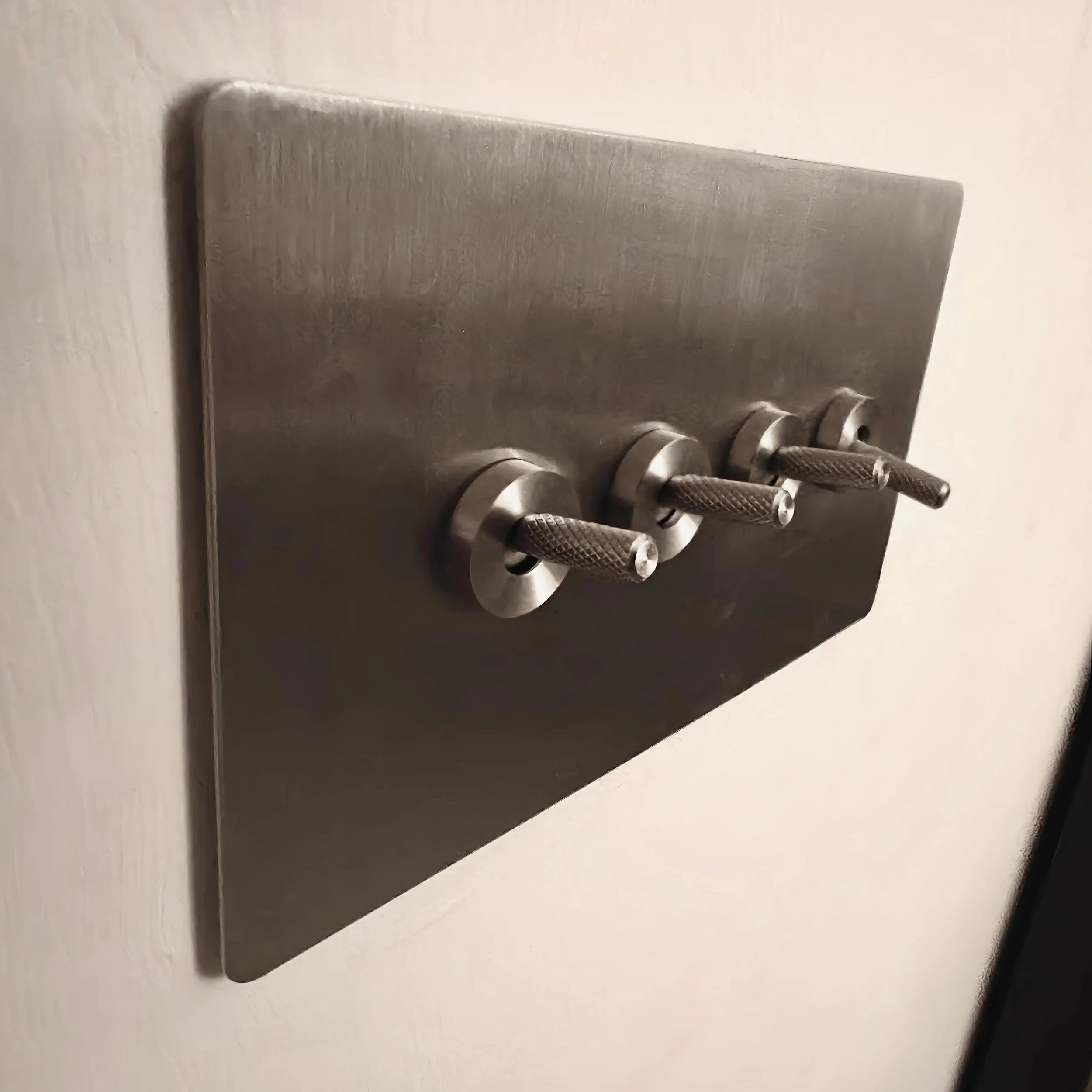
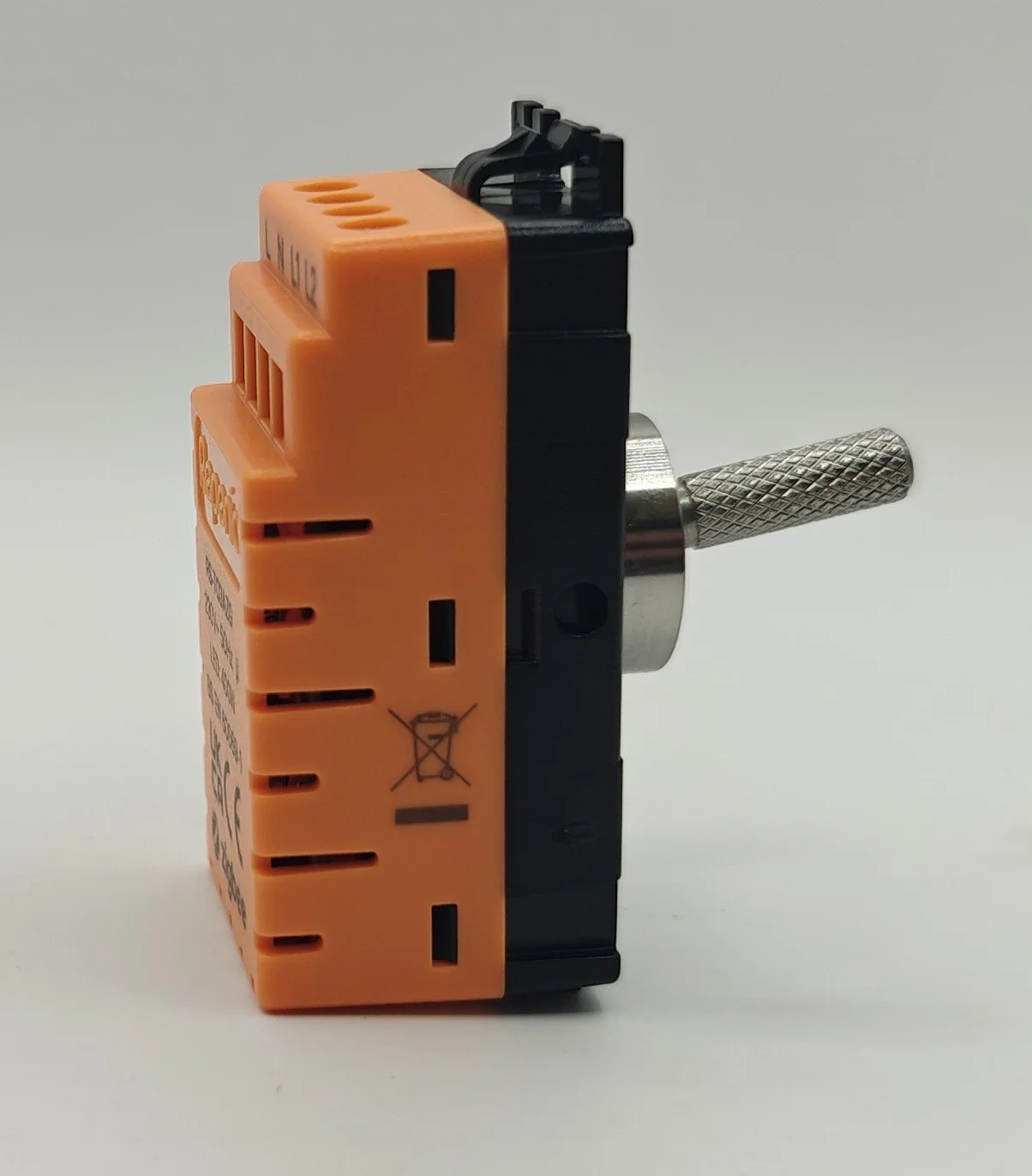
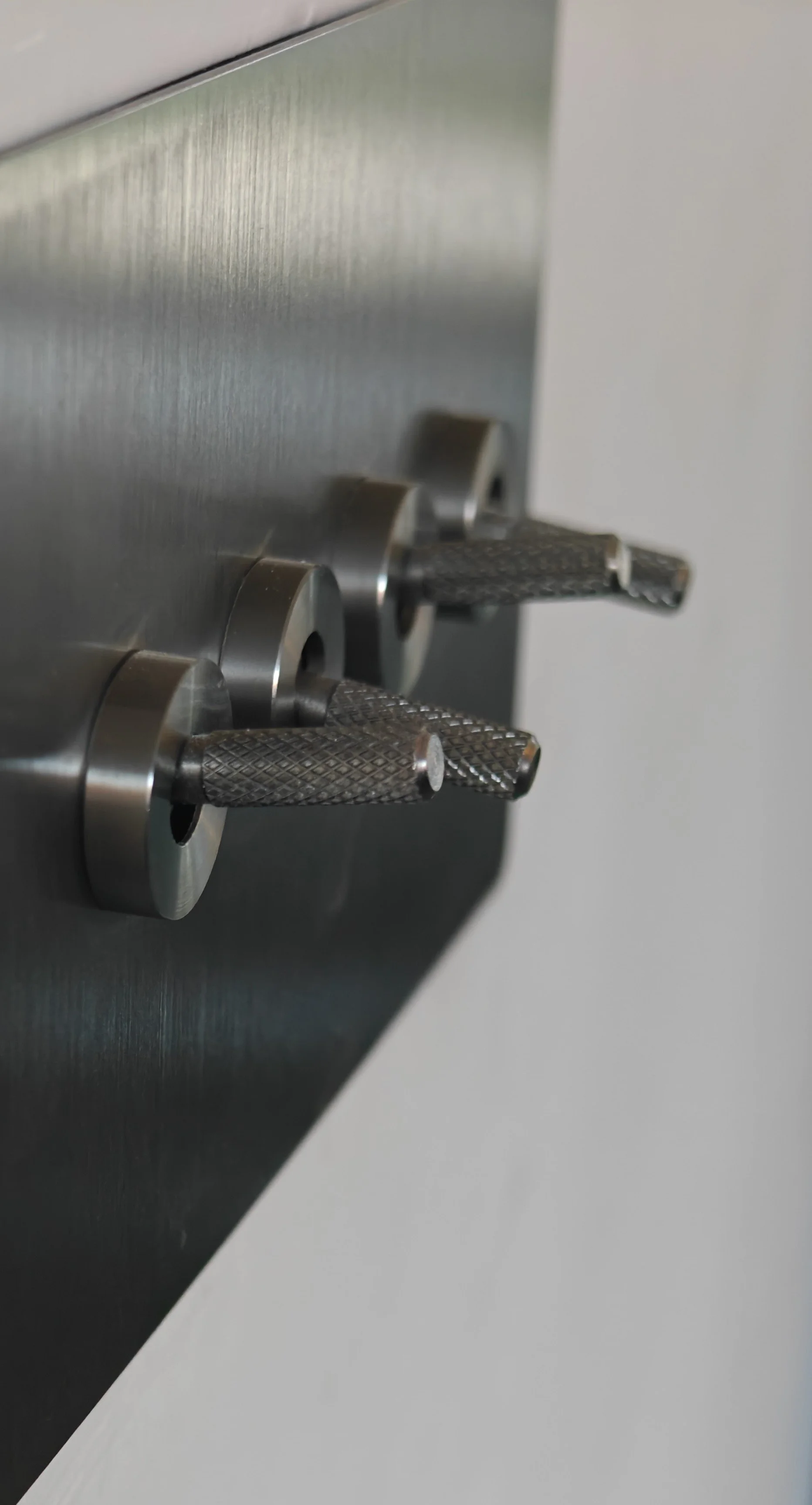
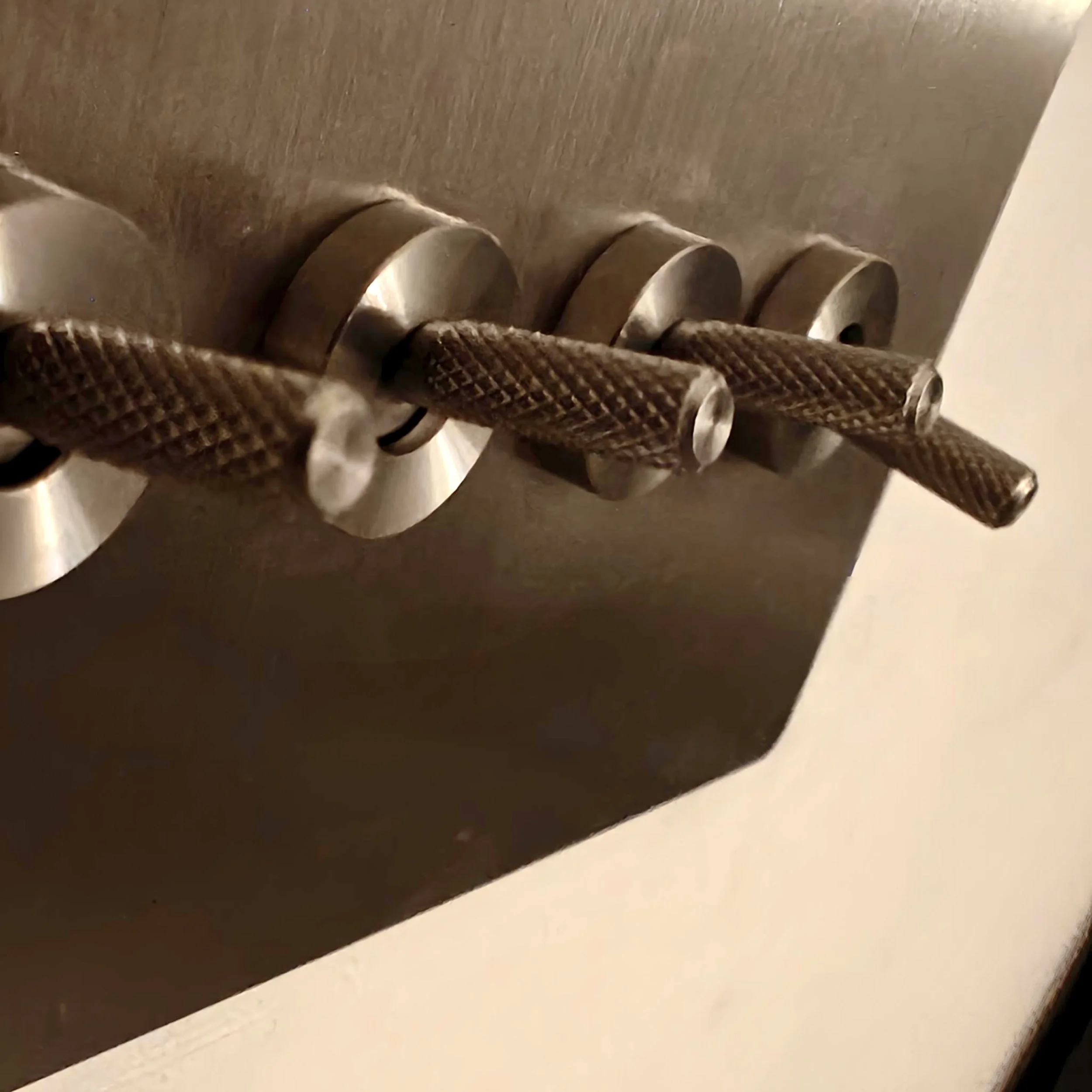
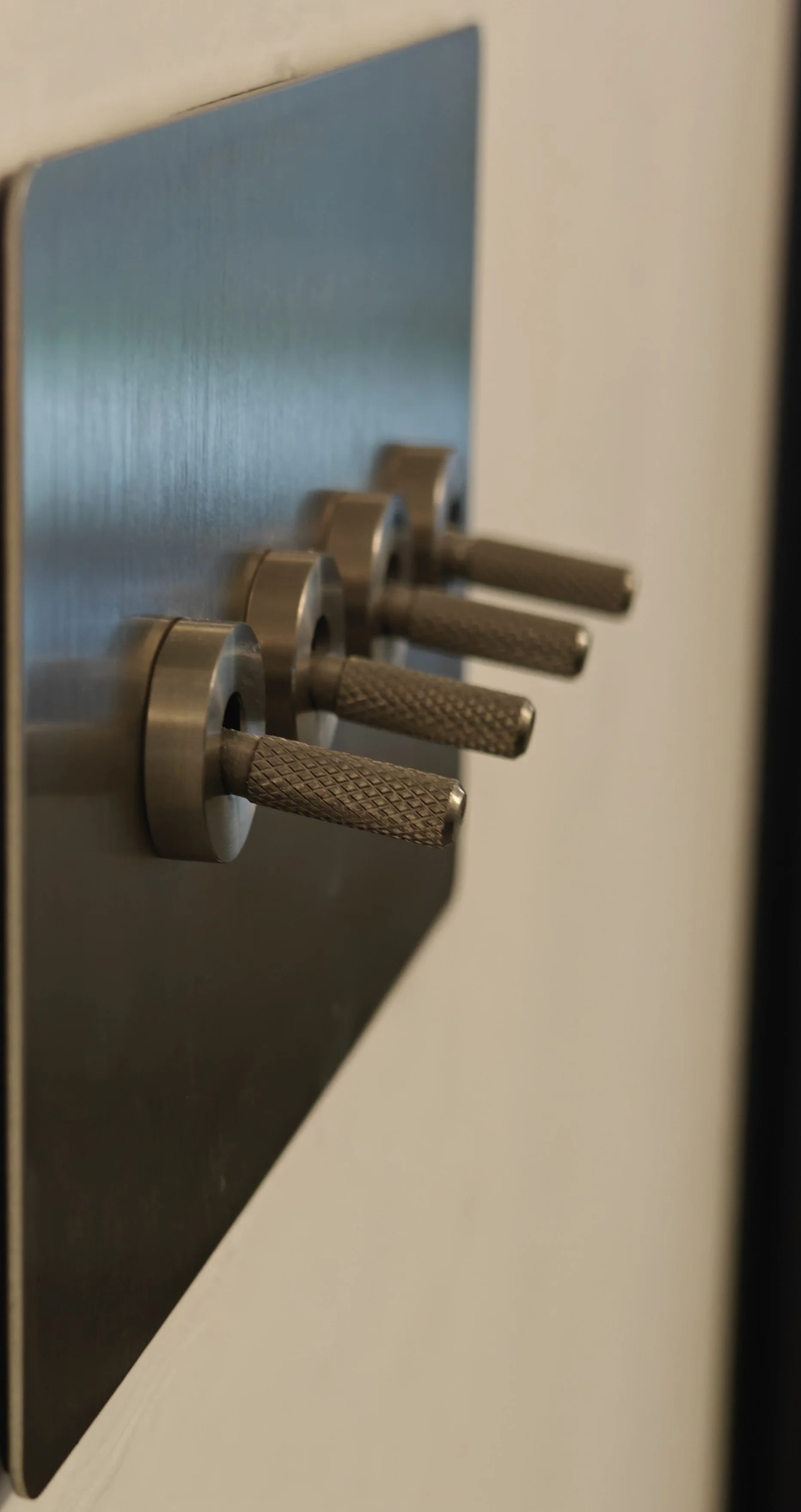
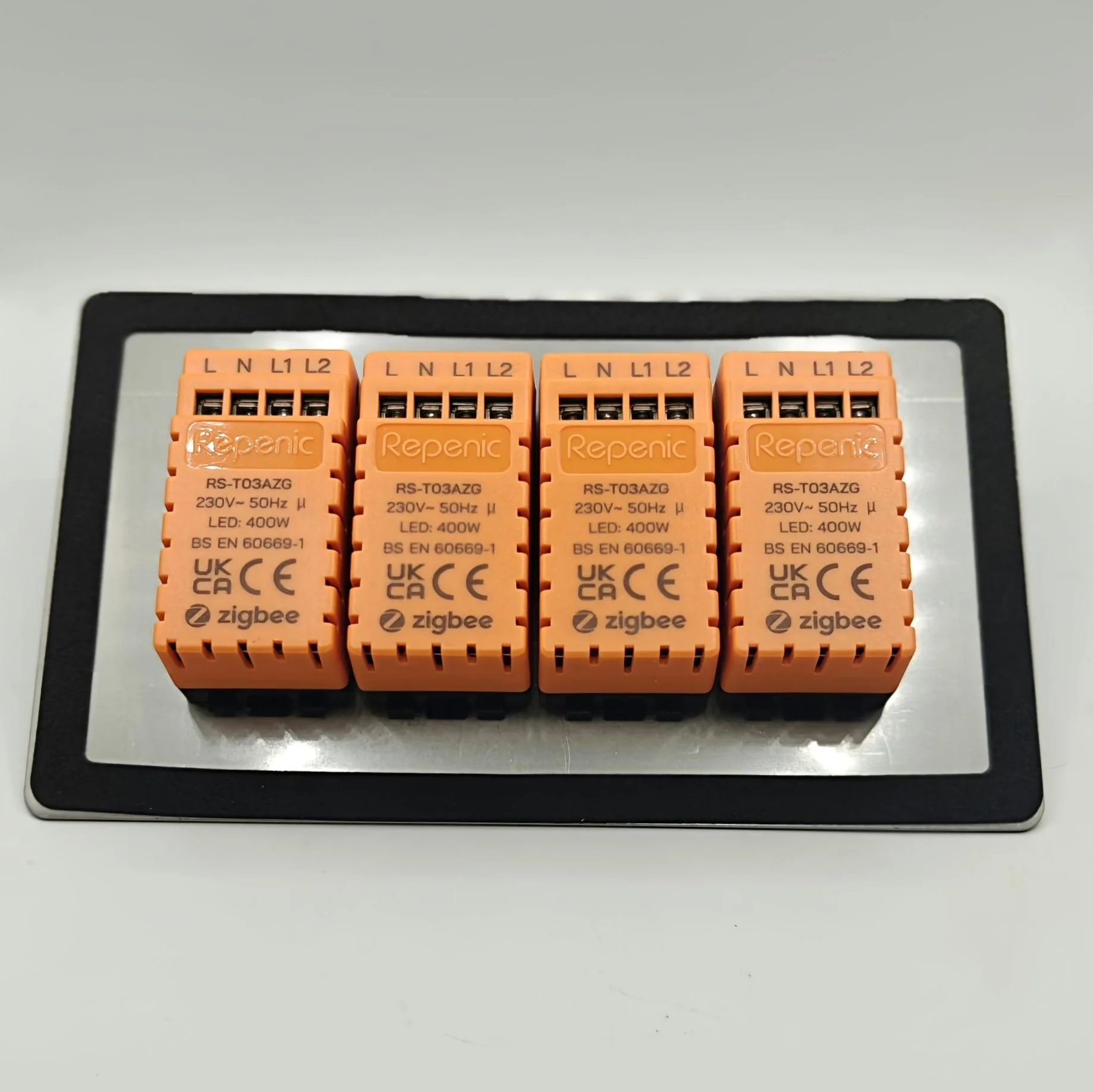
The switch is modular. Each toggle has its own smart module behind it, which clips onto the mounting frame. That construction is important both during installation and when adding the switch to Home Assistant, as each module is its own Zigbee device.
Installation and assembly
Mains electrical work is dangerous and can cause serious injury or death. Installation must be carried out by a competent, qualified professional, with the circuit safely isolated and the work completed in accordance with local regulations. Do not attempt this installation unless you are appropriately competent.
For this installation, the individual switch modules are fitted to the frame first. The stainless-steel faceplate is then placed over the toggles and secured by the nuts that screw onto the base of each switch. The separate modules, frame and faceplate make the assembly sequence clear and give the finished switch a neat, flush appearance.
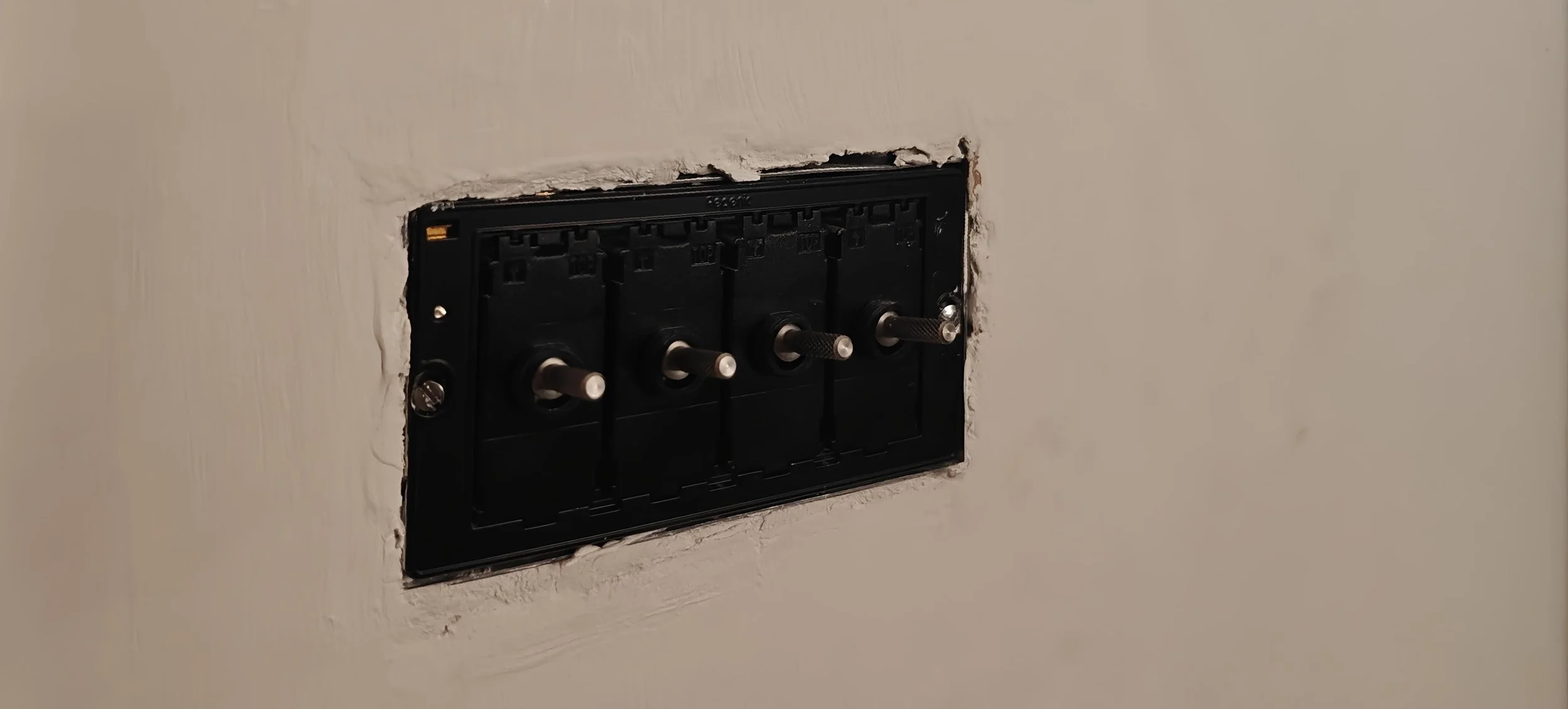
The product is designed for a standard UK 25mm back box, but the manufacturer specifies a neutral wire and a compatible Zigbee 3.0 gateway for smart features. The published specification is 230V AC, 50Hz, with lighting loads up to 400W per gang. It supports one-way, two-way and multi-way arrangements with suitable conventional switches. As with any wiring job, the actual circuit and available space need to be assessed by the installer.
Adding each module to Home Assistant
Pairing with my existing Zigbee coordinator in Home Assistant was straightforward. I opened the Zigbee integration I already use, enabled its add-device or permit-join process, then put one Repenic module into pairing mode. Home Assistant discovered it as a new Zigbee device and completed the interview. I could then assign a clear device name and area, and check the control and sensor entities before repeating the process.

From the Home Assistant Settings menu, go to “Connectivity”

Find the Zigbee option
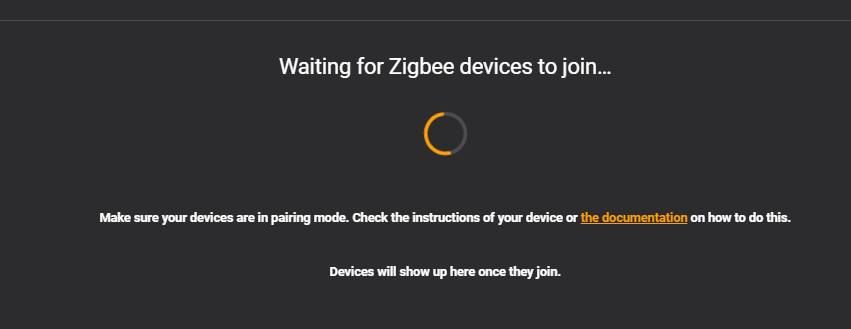
Then hit the “+ Add Device” button in the bottom right corner. All the switches will then be found as new zigbee devices.
Each toggle module pairs individually. Even though the four modules sit together behind one faceplate, Home Assistant sees each one as a separate Zigbee device. This gives each gang its own identity and independent controls. Once one module is joined and confirmed, repeat the coordinator's add-device process for the next one.
In my setup, the device page for an individual switch exposes its light control and energy-monitoring entities. The screenshots show the switch control alongside sensors for current, power, accumulated energy (“Summation delivered”) and voltage. That makes it possible to check the state of the connected lighting and see live electrical readings as well as accumulated consumption. A firmware entry and an Identify diagnostic are also visible in the device details. The exact entity names and availability can depend on the Home Assistant Zigbee integration and device configuration.
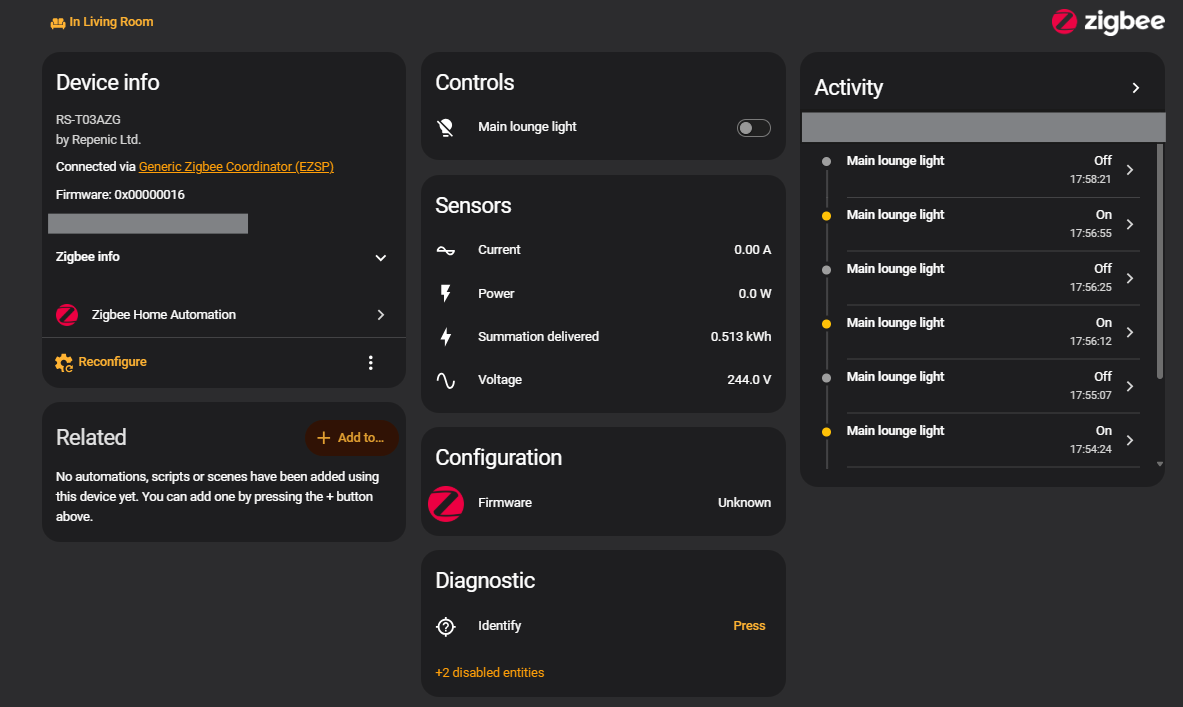
Each toggle switch shows up as an individual device, like this.
Remote Control Mode: one toggle, a whole scene
Remote Control Mode is the feature that makes the switch especially versatile. Rather than simply switching its directly connected lighting load, a toggle can act as an automation trigger. The switch still feels like a normal physical control, but the action can start a wider smart home routine.
In my example, I use switch 3 in the lounge. Flicking it starts my Home Assistant automation: the smart blinds come down, the lights turn off and the projector turns on, setting up the room for a film. The automation screenshot shows switch 3 triggering the logic that chooses between the movie-mode and all-off scripts according to the current scene state. The accompanying video demonstrates the physical toggle and the room responding.
This is a great illustration of how a wall control can become a natural trigger for scenes involving different devices. The switch is not directly operating the blinds or projector. Home Assistant coordinates those actions in response to the toggle event. You could adapt the same approach for a bedtime routine, welcome-home scene or another combination of compatible devices.
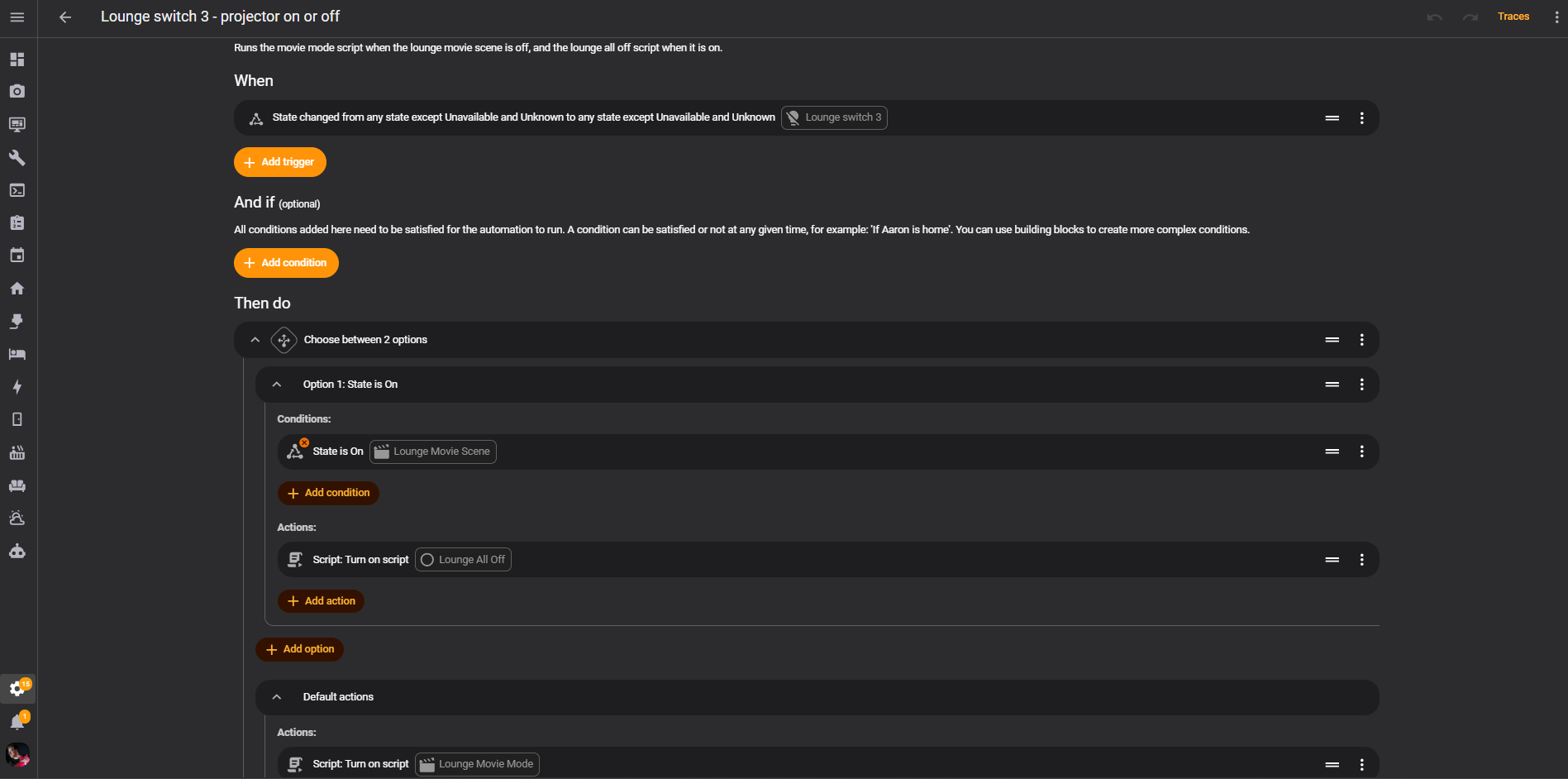
You can use an automation in Home Assistant to trigger any device or scene you like. The screenshot above shows the automation I created to trigger the cinema mode scene but you could make it as simple as toggleing a smart socket to switch on a lamp. The possibilities are endless.
Everyday use and verdict
What stands out to me is the balance between a premium physical switch and flexible smart home control. The finish and toggle feel are excellent, the modular design is thoughtfully assembled, and pairing each device to my existing Zigbee coordinator was simple. Home Assistant provides useful per-switch controls and energy readings, while Remote Control Mode opens up much more than conventional light switching.
There is a little extra care involved when pairing a multi-gang installation because every module joins separately. That is easy to understand once you know the design, and it means each gang can be identified and managed independently. The neutral-wire requirement and back-box fit should be checked by the competent installer before purchase and installation.
I would strongly recommend the Repenic Zigbee Smart Toggle Light Switch to anyone looking for a well-finished toggle switch that combines tactile everyday operation with Zigbee automation and Home Assistant integration.
Thank you to Repenic for supplying the switch for this review.
If you choose to buy one, you can visit Repenic's website using my affiliate link. I may earn a commission from qualifying purchases at no extra cost to you.
